

X-Api-Key header.
You can create and manage your keys directly from your Fernand dashboard under Integrations → API Key.
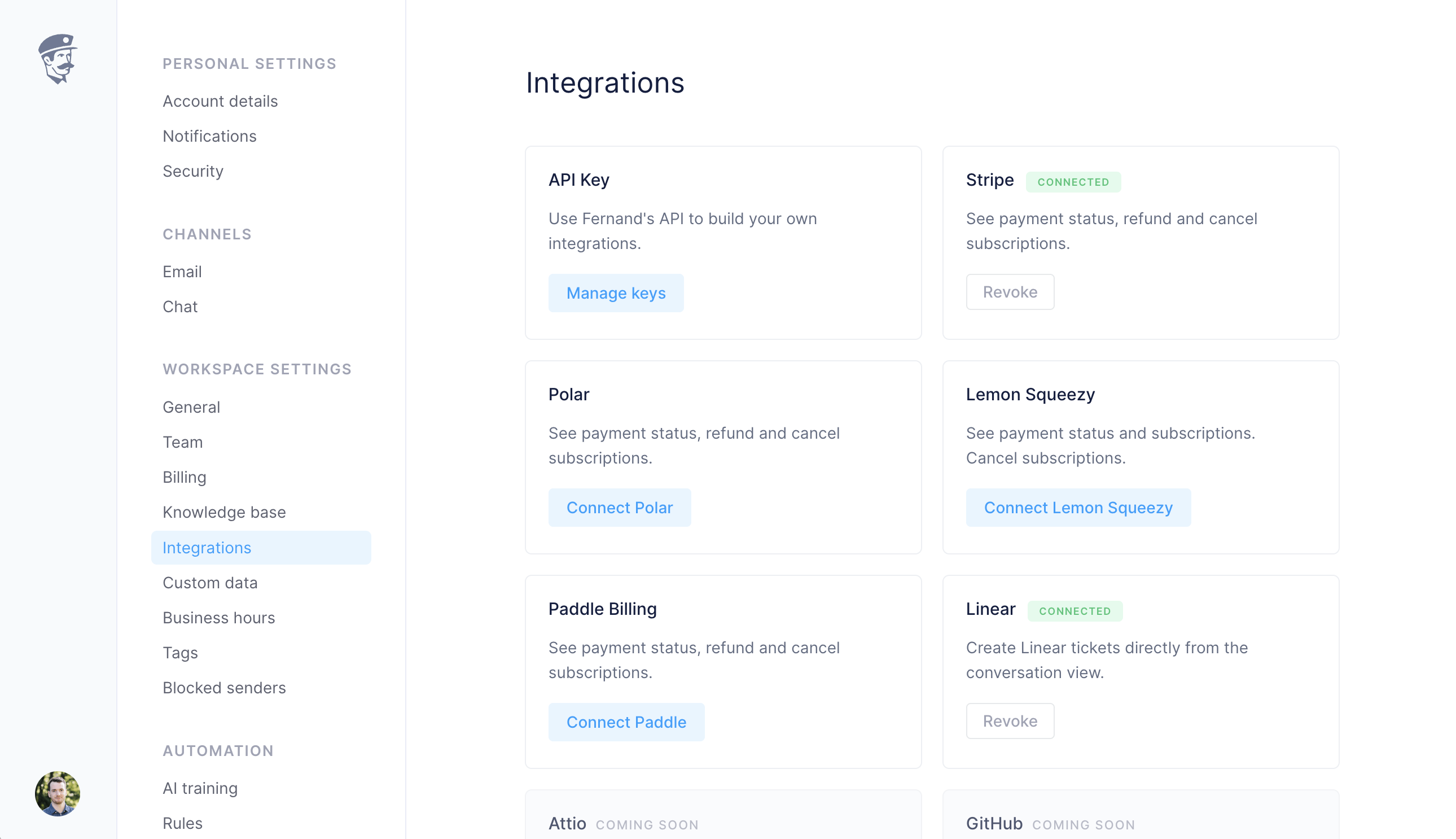
API Key integration page in the Fernand dashboard
Managing keys
1
Go to Integrations
Navigate to Integrations in your workspace settings.
2
Access API Key settings
Click on Manage keys under the API Key integration card.
3
Create or copy your key
Create a new key if you don’t already have one, or copy an existing key.
4
Use your key
Include this key in the
X-Api-Key header when making API calls.Making a request
Once you have an API key, include it in the header of your request. Here are some examples:- Fetching conversations
- Fetching messages in a conversation